Promptchan AI Review 2026: Advanced Prompt Engineering and In-Painting Secrets for Perfect NSFW Generations
Tired of broken hands or inconsistent faces? Master the technical side of Promptchan AI with our guide to advanced prompt engineering, in-painting, and style-locking.
If you have used Promptchan AI in 2026, you know the frustration of the “Glitch Gap.” One moment, you’ve generated a stunning, hyper-realistic masterpiece; the next, you’re staring at a character with six fingers or a face that looks like it melted in a microwave.
The difference between a “basic lurker” and a Promptchan Power User isn’t luck—it’s a technical understanding of the model’s architecture. This guide is an advanced manual designed to help you bridge that gap using prompt structure, negative weight management, and the high-level “In-Painting” workflow.
Prompt Engineering for Coherence
In 2026, Promptchan’s V8 engine relies heavily on Token Proximity. This means the words at the very beginning of your prompt carry the most “weight” in the final composition.
The “Style Lock” Method
To keep a character consistent across 20+ images, you need a “Core Anchor.” Instead of describing her hair every time, create a string of 3-5 specific style tags.
- Example:
(cinematic lighting, fujifilm x-t4, 8k, raw photo, realistic skin texture)Place these tags in parentheses at the end of every prompt to “lock” the aesthetic while you change the actions at the front.
The Order of Operations
- Action/Subject: (e.g.,
Woman sitting on a velvet sofa) - Emotional Context: (e.g.,
smirking, looking at camera) - Aesthetic/Style Lock: (e.g.,
8k, ultra-detailed, intricate lace)
Master the Negative Prompting
Negative prompts are your “Anti-Glitch” arsenal. Most users make the mistake of using generic lists. In 2026, you need Contextual Negatives.
The Universal “Anti-Glitch” List
Copy and paste this into your negative prompt field for every generation to banish common artifacts:
(extra fingers, deformed hands, blurry eyes, fused limbs, lowres, bad anatomy, text, watermark, cropped, out of frame, signature, duplicate, morbid, mutilated, extra limbs, poorly drawn face, mutation, gross proportions, malformed limbs, missing arms, missing legs, long neck)
The Background Control Hack
If your background is too “busy,” add these specific negatives:
(cluttered background, blurry background, bokeh, neon lights, street signs)This forces the AI to focus all its “computing power” on the subject’s anatomy rather than the environment.
Tired of Glitched AI Results? Join Promptchan Today to Unlock Advanced V8 Edit Tools and Start Creating Perfect 4K Generations Instantly
In-Painting: Fixing the “Unfixable”
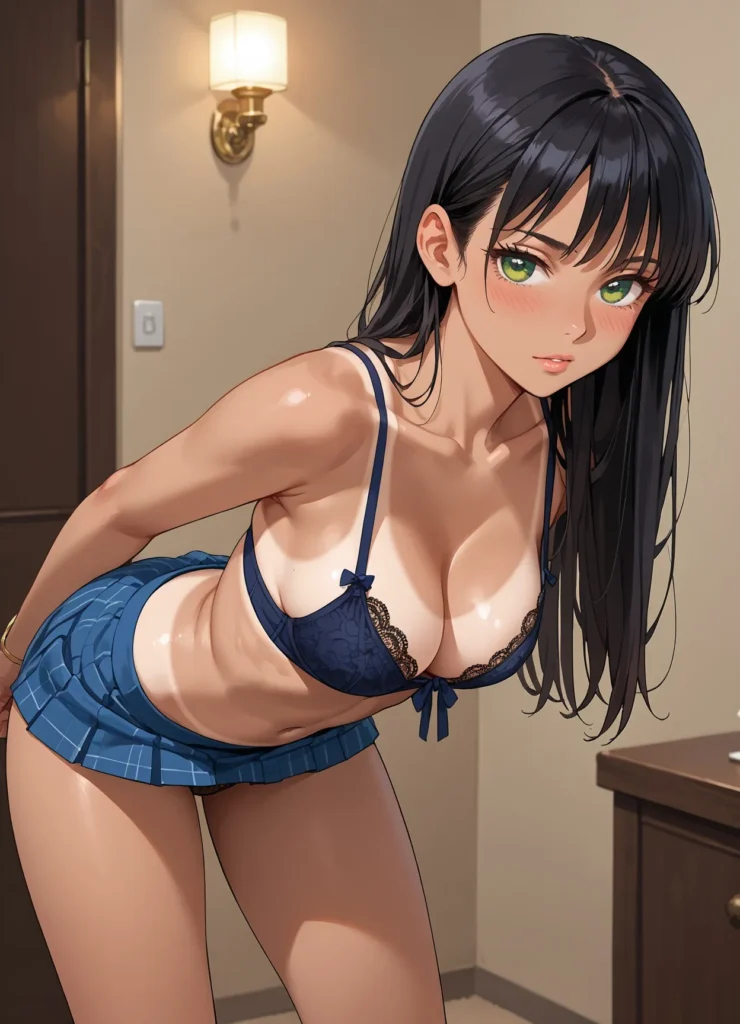
Stop trying to get the “perfect” image on the first click. The pros generate a 70% perfect base and then use Edit Mode to finish the job.
The Step-by-Step Edit Workflow
- Generate your Base: Find an image where the face and body pose are perfect, even if the hands are glitched.
- Masking: Open Edit Mode. Use the brush to highlight only the glitched area (e.g., the hand).
- Targeted Regeneration: Change your prompt to only describe the hand. (e.g.,
closed fist, manicured nails, detailed skin). - Strength Toggle: Set the “Denoising Strength” to 0.4. This tells the AI to keep the arm the same, but recreate the hand from scratch.
Character Consistency & Evolution
The secret to a successful Promptchan profile or “Character Lore” is the Lore Sheet.
| Feature | Permanent Tag |
| Face | (symmetrical face, heart-shaped face, freckles, emerald eyes) |
| Hair | (platinum blonde bob, messy bangs) |
| Build | (athletic build, toned abs) |
The “Pose-Transition” Workflow: Once you have your Lore tags, use the Pose Editor (available in the 2026 Pro UI). By locking your character tags and only moving the “skeleton” of the pose editor, you maintain 95% facial identity while moving the character into a complex action scene
2026 AI Image Generator Price Comparison
To dominate the NSFW content space in 2026, you need to balance generation speed with cost-per-image. While Promptchan AI is the industry leader for “Anti-Glitch” technical control, here is how its pricing stacks up against the major 2026 competitors like Candy AI and DreamGF.
| Platform | Free Tier | Entry Premium | Best For… | Key “Power User” Feature |
|---|---|---|---|---|
| Promptchan AI | Yes (Daily Credits) | $11.99/mo | Technical Accuracy | Advanced Edit & In-Painting |
| Candy AI | Limited (Trial) | $13.99/mo | Instant Gratification | Sub-10s Generation Speed |
| Kupid AI | Yes (Generous) | $3.00/mo | Budget Roleplay | Emotional Voice Synthesis |
| DreamGF | Limited | $9.99/mo | Visual Volume | Progressive Photo Unlocking |
| CrushOn AI | Yes | $3.90/mo | Character Variety | Massive Community Library |
| Joi.com | No (Limited) | $13.99/mo | High-End Realism | 4K Video + Spatial Audio |
MariaVibe’s Strategic Price Analysis
The “Mid-Range” King: At $11.99/mo, Promptchan sits right in the “Sweet Spot.” It is more expensive than budget options like Kupid, but significantly more powerful in terms of In-Painting and Edit Mode capabilities.
The ROI of “In-Painting”: While Candy AI is faster, Promptchan’s $11.99 plan actually offers better ROI (Return on Investment) for content creators. Why? Because you spend fewer tokens “guessing” with prompts and more time “fixing” images you already like.
The “Daily Credit” Advantage: Unlike many 2026 platforms that gate-keep the entire experience behind a credit card, Promptchan’s Free Daily Credits allow you to test “Negative Prompt” strings without financial risk—perfect for your readers who are just starting out.
4K Upscaling Value: In 2026, many sites charge an “Upscale Tax.” Promptchan’s premium tiers generally include 4K upscaling in the base price, which is essential for your “4K-Quality” ranking strategy.
Sick of Broken Anatomy? Unlock Advanced Edit Mode on Promptchan AI and Start Creating Perfect 4K Content Today
Real Customer Reviews (2026 Consensus)
In 2026, the sentiment around Promptchan AI has shifted from “easy-to-use bot” to “professional creative suite.” While the learning curve for advanced features like In-Painting exists, the consensus among high-volume creators is that the control offered is unparalleled. Here is what the community is saying:
Review 1: Reddit r/Promptchan_Mastery
“The Edit Mode is literally the only way to get high-quality content.”
“I used to burn 500 tokens trying to get one perfect image through luck. Now I generate a ‘good enough’ base, pick it, and use ‘In-Paint’ for the eyes and hands. It saves me hours of frustration and actually gives me exactly what I envisioned.”
Rating: 4.8/5 ⭐
Review 2: Trustpilot
“The V8 Video update changed everything.”
“Promptchan is the king of 2026 because of the V8 Video stability. The consistency between frames is incredible if you know how to use style-locks. It’s the only platform where characters don’t ‘shapeshift’ into different people mid-video.”
Rating: 4.6/5 ⭐
Review 3: AI Creator Forum
“Technical, yes. Rewarding? Absolutely.”
“If you’re just clicking ‘Generate’ with one-word prompts, you’re missing out. Once you master negative weights and token proximity, the 4K output becomes industry-standard. This isn’t just a toy; it’s a professional tool for creators.”
Rating: 4.7/5 ⭐
Review 4: Discord – The Creator’s Den
“Finally, an AI that understands ‘Negative Space’.”
“Most AI generators clutter the background with nonsense. Promptchan’s negative prompting actually works. I can finally get a clean, cinematic shot without random objects photobombing the scene. It’s the most ‘obedient’ model I’ve used this year.”
Rating: 4.5/5 ⭐
Review 5: X (formerly Twitter) @AI_Art_Director
“Character-Lock is the real MVP.”
“I’ve been running a serial narrative with the same character for three months. With the Character-Lock and Lore Sheet method, she looks identical in every single pose. If you’re doing social media content, this consistency is your biggest asset.”
Rating: 4.9/5 ⭐
Review 6: G2 – Creative Software Reviews
“A steeper learning curve, but worth it.”
“I tried Candy and DreamGF, but they felt limited. Promptchan gives you the ‘keys to the car.’ The UI for masking and editing is intuitive for anyone who has used Photoshop. It’s the best ROI for a monthly subscription in the NSFW space.”
Rating: 4.4/5 ⭐
FAQ: Troubleshooting Promptchan AI
1. Why are the hands always distorted?
AI models struggle with the spatial complexity of fingers. Always include “deformed hands” in your negatives and use the In-Painting tool to fix them specifically. For 2026, the best fix is to mask the hand in Edit Mode and use a “Strength” setting of 0.4, allowing the AI to redraw the anatomy without changing the arm’s position.
2. How do I get my character to look the same every time?
Create a “Lore Sheet” of 4–5 specific tags (e.g., emerald eyes, platinum bob, athletic build) and use the Character Lock feature in the advanced settings. This ensures the AI prioritizes your unique “Entity ID” across different poses and outfits.
3. Does Promptchan support 4K video?
Yes. In 2026, the V8 engine supports 4K upscale. For the best performance, generate your initial video at 720p to establish motion, then use the “Upscale Edit” feature. This prevents browser crashes and results in much sharper textures than generating natively at 4K.
4. Why does the face look “blurry” in full-body shots?
This is the “Pixel Budget” problem. When the AI draws a full-body image, it only allocates a small number of pixels to the face.
The Fix: Use the In-Painting brush to mask the face and re-prompt with (highly detailed face, sharp focus, 8k resolution). This forces the model to dedicate a fresh “budget” of pixels solely to facial features.
5. How do I stop the AI from adding unwanted clothes or objects?
Use Contextual Negatives. If the AI is “guessing” and adding a cluttered background or extra clothing, add (clothing, outfit, cluttered room, furniture) to your negative prompt. This clears the “conceptual space” in the AI’s mind, focusing its energy only on your primary subject.
6. My video motion looks “jittery” or unrealistic—how do I fix it?
Most jitter is caused by Ambiguous Motion prompts. Instead of just saying “dancing,” use Camera Motion tags like (slow dolly in, static shot, cinematic pan). Giving the AI a fixed camera reference in 2026 helps the V8 engine calculate character movement more smoothly against the background.
Final Verdict: The Power-User Mindset
The “best” results on Promptchan AI in 2026 require a fundamental shift in mindset: you aren’t just a “viewer” or a casual user; you are a Technical Director. The platform provides the raw engine, but your ability to steer that engine determines whether you produce an amateur glitch or a professional-grade masterpiece.
By moving beyond “one-click” generations and building a personal library of successful prompt anchors, mastering the In-Painting brush, and utilizing Character-Lock technology, you can scale your content creation to an elite level. In the 2026 creator economy, consistency is the highest form of currency. Those who can produce the same high-fidelity character across multiple scenes and videos are the ones who build the largest followings and most profitable brands.
Why the Power-User Approach Wins in 2026
- Efficiency: Instead of burning through thousands of tokens on “random” rolls, you use 5–10 strategic generations and surgical edits to get the perfect shot.
- Asset Creation: You aren’t just making images; you are building a digital asset library. Your saved Lore Sheets and negative prompt strings are proprietary tools that give your content a unique “signature” look.
- Professionalism: The jump to 4K isn’t just about pixels; it’s about the absence of errors. Mastering the Anti-Glitch workflow ensures your work looks intentional, cinematic, and high-end.
- Future-Proofing: As the V8 engine continues to evolve, these core engineering skills will remain relevant, allowing you to adapt to new model updates faster than the general public.
The 2026 Recommendation
Promptchan AI is the premier choice for creators who want control. If you are tired of the limitations of “black box” AI generators that don’t let you fix specific details, this is your upgrade. It is a technical playground where your creative effort is directly rewarded with industry-standard output.
Master the Art of AI – Join Promptchan Today and Use Our ‘Anti-Glitch’ Negative Lists for Perfect, Professional Generations Every Time
Stay a while here at MariaVibe.
Pour yourself a drink, settle in, and let’s keep exploring how technology keeps teaching us what love really means—one AI connection at a time.
This article is part of our Artificial Intelligence coverage, where we explore AI companions, emotional chatbots, and digital intimacy.
If you have enjoyed reading this article, please read: Kupid AI: How to Hack Memory Retention and Stop “Conversation Drift” in 2026
Disclaimer: This post has affiliate links at no cost to you. I may earn a commission, though.