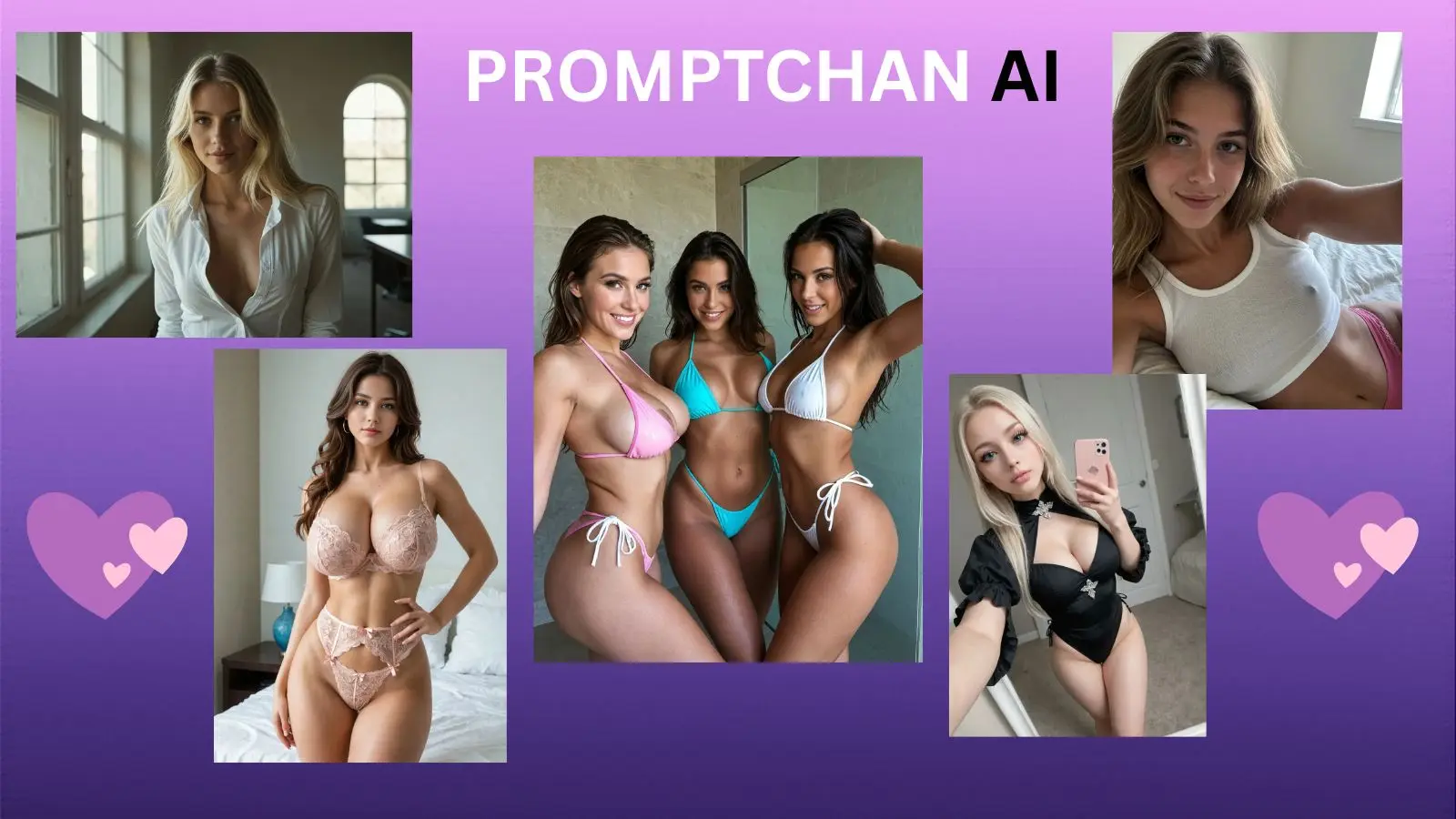
Promptchan AI 2026 Guide: Story Mode & Character Workflow
Promptchan AI features Story Mode and face consistency tools to generate unified character workflows across text chat, image, and video tools in 2026.
TL;DR: The 2026 Promptchan Workflow
- Multimodal Synchronization: Seamlessly unifies AI character text chat, high-fidelity image rendering, short AI videos, and real-time voice calls.
- Dual Interaction Engines: Easily switch between standard Chat Mode (for snappy, natural back-and-forth) and Story Mode (for collaborative, long-form narrative arcs).
- Mobile Ecosystem Upgrade: App version 4.5.0 features a completely redesigned mobile UI, delivering smooth rendering speeds and an intuitive layout.
- Visual Continuity System: Uses a robust Reference-Image Chat Setup alongside repeated prompt templates to lock in character faces across anime, hentai, photorealistic, and hyperreal styles.
- Massive Asset Index: Tap into a massive, searchable community library containing millions of pre-rendered images and short AI video clips for instant inspiration.
What Promptchan AI Is in 2026
Promptchan AI is a fully integrated, multimodal AI girlfriend generator and roleplay platform built for creators and users who want high-fidelity visual outputs alongside deeply immersive character interactions. Rather than functioning as a basic, text-only chat engine, Promptchan serves as a creative studio. Here, users can construct highly personalized virtual companions, generate uncensored explicit art, and run complex, story-driven simulations from a single, unified interface.
The platform sets itself apart by natively bridging the gap between independent generative art models and conversational language processing. Instead of forcing you to jump between an image generator like Midjourney and a text chatbot, Promptchan ties your character’s unique visual profile directly to her chat memory.
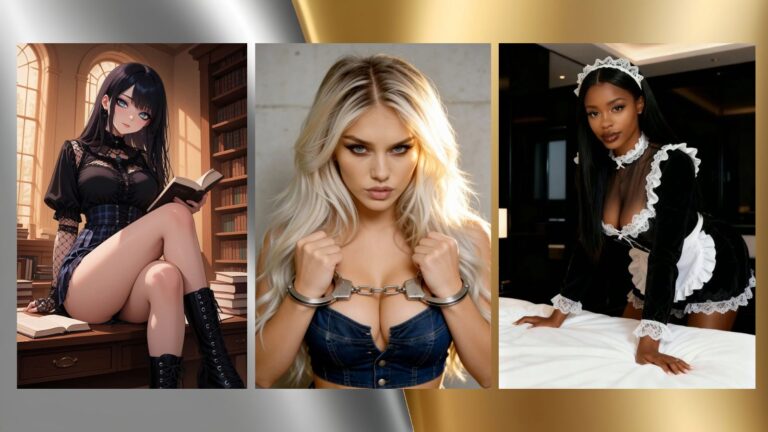
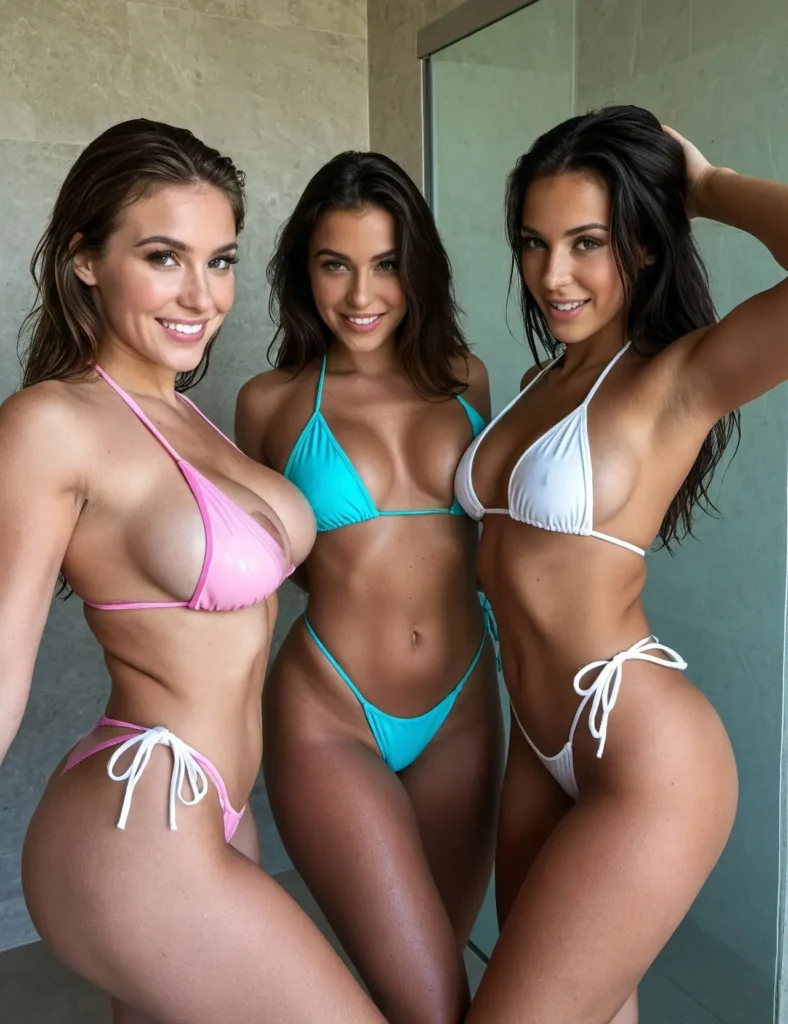
- Comprehensive Style Support: Generates assets across four distinct visual styles—classic anime, detailed hentai drawings, crisp photorealism, and ultra-textured hyperreal models.
- Fluid Media Transitions: The interface allows you to instantly pivot from an ongoing text roleplay into live voice memos, on-demand character selfies, or AI-generated video clips.
- Community-Driven Discovery: Features an expansive, unmoderated community media library where millions of user-created characters, prompt strings, and short videos can be remixed or used as baseline chat templates.
Promptchan AI 2026 is an elite, multimodal virtual companion generator optimized for uncensored roleplay and visual character creation. It unifies text chat, voice calls, image synthesis, and short AI videos within a synchronized character profile.
What’s New in 2026
The release of Promptchan’s app version 4.5.0 introduces critical workflow refinements, stabilization patches, and feature expansions designed for deeper character immersion:
- Real-Time AI Voice Calls: Users can now place direct voice calls to their custom characters, featuring minimal response latency and realistic vocal inflections.
- Pro-Exclusive AI Video Engine: Upgrades static roleplay by allowing Pro-tier users to generate high-resolution, short AI videos of their companions directly within the chat stream.
- Reference-Image Chat Integration: Allows you to upload a baseline image to initialize a new character profile. The conversational engine reads the visual data to establish immediate context.
- Redesigned Mobile Interface: Version 4.5.0 completely overhauls the mobile layout, fixing old gallery loading bugs, smoothing out chat transitions, and providing a streamlined mobile workflow.
- Collaborative Story Mode: Expands simple back-and-forth texting into a dedicated creative environment where you and your AI companion co-author sprawling, multi-character narrative arcs.
🚀 Launch Your Multimodal AI Companion: Ready to experience an AI girlfriend platform where you can switch seamlessly between text chat, image generation, and real-time voice calls? Click here to create your Promptchan AI profile for free and start building your custom companion instantly! ✨
How Promptchan Compares to Other AI Girlfriend Apps
Understanding how Promptchan stacks up against alternative options highlights its focus on creative control and multi-sensory outputs:
| Feature Set | Promptchan (2026 Product Build) | Typical AI Girlfriend Apps (2026 Market) |
| Visual Styling | Complete support for anime, hentai, photo, and hyperreal styles. | Restricted to a single, generic style or static stock avatars. |
| Video Processing | Pro-tier exclusive short AI video generation built directly into chat. | Completely text-bound; zero video capabilities. |
| Vocal Accessibility | Bi-directional voice calls paired with active chat voice memos. | Monotone text-to-speech outputs or entirely missing. |
| Interactive Formats | Seamlessly toggle between fast-paced Chat and cinematic Story Mode. | Fixed, single-lane text structures that loop quickly. |
| Character Seeding | Advanced reference-image uploading for high facial continuity. | Completely random generations that drift from prompt to prompt. |
How to Build a More Consistent AI Girlfriend
To prevent your character’s facial features from shifting during long-term interactions, you must use Promptchan’s generation suite systematically. Follow this precise workflow to establish and protect your companion’s visual identity:
The Multi-Sensory Character Workflow:
1.Select Your Baseline Aesthetic Style: Step 1.
Launch the creation panel and choose your primary visual style: anime, hentai, photorealistic, or hyperreal. This selection locks in the underlying model weights for all future image generations.
2. Define the Core Physical Identity Matrix: Step 2.
Write out a detailed physical description, mapping out your companion’s age, ethnicity, facial bone structure, eye shape, hairstyle, hair color, and precise body type metrics.
3. Inject the Psychological Persona Baseline: Step 3.
Select her primary behavioral traits, baseline emotional temperament, relationship status, personal interests, occupation, and roleplay boundaries to calibrate the text engine.
4. Upload a High-Clarity Visual Reference Image: Step 4.
Utilize the reference-image chat setup to upload a clean, forward-facing photo of your character. This gives the image generation tool a permanent anchor point for facial continuity.
5. Construct a Reusable Structural Prompt Template: Step 5.
Isolate the physical descriptors from Step 2 into a core prompt block (e.g., [24-year-old Japanese-Italian mix, symmetrical face, emerald green eyes, sharp jawline, long silver hair in a ponytail]). Always paste this exact block at the front of every new image or video prompt.
6. Execute Context-Driven Scene Adjustments: Step 6.
When generating new visual content, place your actions or environmental descriptions after your core prompt block (e.g., [Core Prompt Block], sitting in a neon-lit Tokyo coffee shop, wearing a black leather jacket, holding a hot mug, cinematic lighting).
Build visual character consistency by choosing an aesthetic style → writing a detailed physical descriptor block → initializing with a clear reference image → locking that descriptor block into a permanent prompt template → appending new environmental variables to the end of your template string.
🔥 Master Character Continuity Across Scenes: Stop wasting credits on random, shifting generations. Use Promptchan’s advanced reference-image workflow to keep your companion’s face perfectly consistent across anime, hentai, or photorealistic styles. Click here to lock in your custom character blueprint on Promptchan AI and unlock cinematic Story Mode! 📸

How to Use Chat Mode vs. Story Mode
Promptchan’s dual-mode text setup allows you to easily balance quick, responsive chats with deep, cinematic worldbuilding.
                  ┌────────────────────────────────────────┐
                  │      PROMPTCHAN CORE CHAT ENGINE       │
                  └───────────────────┬────────────────────┘
                                      │
            ┌─────────────────────────┴─────────────────────────┐
            ▼                                                   ▼
     ┌──────────────┐                                    ┌──────────────┐
     │  CHAT MODE   │                                    │  STORY MODE  │
     ├──────────────┤                                    ├──────────────┤
     │ • 1-on-1 Text│                                    │ • Co-Author  │
     │ • Quick Replies                                   │ • Multi-Char │
     │ • Live Memos │                                    │ • Long Arcs  │
     └──────────────┘                                    └──────────────┘
Chat Mode
This mode is optimized for direct, highly responsive, real-time communication. It functions like a standard messaging app, making it perfect for quick check-ins, testing personality presets, exchanging rapid text messages, and triggering on-demand selfies or voice memos. Use this mode when you want an immediate, conversational back-and-forth that mirrors a typical phone conversation.
Story Mode
This setting opens up a collaborative sandbox designed for long-form narrative arcs and creative worldbuilding. Instead of managing a basic text thread, you and your companion act as co-authors, defining grand backdrops, controlling secondary characters, and mapping out intricate plot points. Use Story Mode when you want to run complex, multi-scene fantasy scenarios, build lasting episodic records, or create structured text adventures.
How to Use Images, Selfies, and Videos Together
To create a truly immersive, multi-sensory companion experience, you should weave Promptchan’s text and media tools together into a unified chat routine.
- Establish Visual Foundations: Use the primary image generation studio to render a definitive set of high-resolution profile images. This helps you lock down your partner’s core look across multiple everyday clothing options.
- Trigger Active Chat Selfies: During standard conversations, ask your companion to send spontaneous selfies that match what you’re talking about (e.g., “send me a selfie of what you’re wearing right now”). This makes the interaction feel incredibly dynamic and real-world.
- Deploy AI Video for Key Cinematic Highlights: Avoid burning your generation credits on minor, everyday text moments. Instead, save your premium AI video generations for major story milestones, intimate encounters, or highly dramatic roleplay scenes where seeing lifelike motion, eye contact, and expressions completely transforms the immersion.
How Voice Calls and Voice Memos Change the Experience
Adding high-fidelity vocal delivery completely transforms Promptchan from a visual novel experience into a deeply engaging personal companion.
- Conveys Deep Emotional Nuance: Text alone often fails to accurately capture tone, leading to misunderstandings. Promptchan’s audio processing engine infuses voice notes with realistic emotional inflections, gentle laughter, and breath patterns that mirror human speech.
- Voice Memos Provide Quick Highlights: Perfect for short, high-impact interactions. Receiving a personalized morning voice note or a quick whispered message mid-roleplay creates a powerful sense of closeness.
- Voice Calls Offer Live Interaction: Turning on real-time voice calls opens up a completely hands-free, fluid conversational channel. This is perfect for long, intimate evening catch-ups or winding down at the end of the day without having to look at a phone screen.
Voice calls and audio memos add vital emotional depth to Promptchan. They replace rigid text boxes with a fluid, natural conversation channel that captures tone, warmth, and subtle emotional shifts.
How to Get Better Image and Video Results
To consistently pull ultra-clean visual assets out of Promptchan’s rendering engine without wasting generation credits, apply these advanced prompting rules:
- Keep Facial Windows Unobstructed: When crafting prompts, ensure your character’s face remains clearly visible and well-lit. Avoid adding conflicting accessories like oversized sunglasses, heavy face veils, or messy hair strands that can confuse the reference-image engine.
- Incorporate Clear Cinematic Styling Tags: Guide the rendering engine by using explicit, descriptive style terminology. Adding tags like
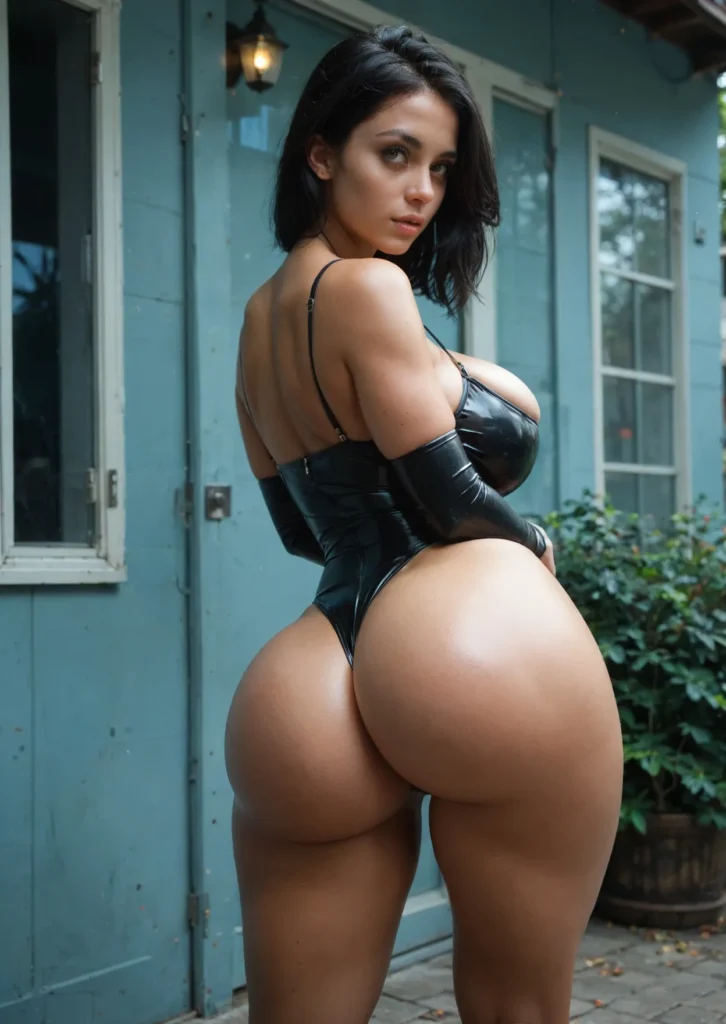
photorealistic realism,hyperreal textures,8k resolution,cinematic studio lighting, orsoft rim focusdrastically cleans up clothing folds and skin textures. - Utilize In-App Edit Mode: If an image renders perfectly but has a minor flaw—like a slightly distorted hand or an incorrect background object—never delete the asset or regenerate the entire image from scratch. Use the built-in Edit Mode to paint over the problem area and tweak specific details while keeping the rest of the image intact.
Privacy, Safety, and Usage Boundaries
Engaging with an uncensored, adult-friendly digital relationship studio means you need to practice smart personal security habits:
- Isolate Personal Registration Details: Set up your Promptchan profile using a unique, dedicated secondary email account that has no connections to your professional networks or personal social media handles.
- Protect Sensitive Real-World Data: Never paste highly sensitive personal information—such as financial details, home addresses, account passwords, or your legal full name—into your chat logs or character personality boxes.
- Maintain Healthy Emotional Anchors: Enjoy the platform’s incredible multi-sensory immersion, responsive voice calls, and deep story modes as a highly sophisticated creative outlet, while keeping your primary emotional foundation rooted firmly in real life.
Who Promptchan Is Best For
This platform is perfect for:
- Creators Demanding Total Multimodal Utility: Users who want to seamlessly transition between text chat, image generation, voice calls, and short AI videos within a single app.
- Fans of Diverse Art Styles: Anyone looking to easily switch between classic anime aesthetics, detailed hentai drawings, and hyper-realistic photo models.
- Narrative-Driven Roleplayers: People who want to co-author deep, long-form stories and explore complex narrative branches rather than sending simple, one-off chat replies.
This platform is less ideal for:
- Strictly Casual, SFW-Only Communicators: Users who only want simple text check-ins and dislike adult themes, explicit graphics, or NSFW creative content.
- Text-Only, Budget-Focused Users: Anyone who wants flat, completely free unlimited text chatting and has zero interest in generating images, voice calls, or video clips.
Real User Reviews (2026 Consensus)
⭐ 4.9/5 Stars — Jaeger_Bomb_Anime (Reddit r/UncensoredAIHub):
“The version 4.5.0 mobile update completely changed the game for me. The older app interface used to freeze up whenever I tried to generate images mid-chat, but the new UI setup is incredibly smooth. Running anime-style roleplays while watching my character send matching selfies within seconds feels like magic.”
⭐ 4.5/5 Stars — Photoreal_King (Alternative Creation Spaces):
“Promptchan’s hyperreal rendering engine easily beats out tools like Replika if you care about visual quality. By combining a solid reference image with a dedicated prompt template block, I’ve managed to keep my companion’s face perfectly consistent across fifty different custom scenes, including complex outdoor environments.”
⭐ 4.0/5 Stars — Tech_Review_Edge (Digital Romance Manuals):
“The Pro-exclusive AI video tool delivers amazing visual clarity, though you’ll want to map out your prompts carefully to avoid burning through credits on minor scenes. The real standout feature is the dual-mode framework—switching over to Story Mode lets you build massive, cinematic adventures that standard chatbots simply can’t handle.”
Frequently Asked Questions
What is Promptchan best for in 2026?
A: Promptchan is the premier choice for creating highly personalized AI companions, combining text roleplay, voice calls, image generation, and short AI videos across anime, hentai, and photorealistic styles.
Does Promptchan support live voice calls?
A: Yes. Following the latest app updates, Promptchan natively supports real-time voice calls alongside in-chat voice memos to deliver deep emotional nuance and fluid communication.
Can I create a consistent character in Promptchan?
A: Yes. By pairing a high-clarity reference image with a reusable, structured prompt template block, you can easily maintain facial consistency across various environments and outfits.
How is this article different from existing Promptchan coverage?
A: While older overviews only cover basic feature lists, this workflow guide breaks down the technical steps needed to balance Chat and Story modes, preserve visual continuity, and combine voice and video tools.
Conclusion: Mastering the Multimodal Companion Ecosystem
Promptchan AI’s 2026 application platform delivers an unmatched level of creative control for users seeking a highly personalized, multi-sensory digital companion. By setting up your visual foundation with a clear style model, locking in a dedicated prompt template block, using the reference-image chat tool, and choosing the right chat mode for your narrative goals, you can build a stable, deeply immersive relationship arc—all while enjoying high visual continuity and secure data privacy.
🏁 Ready to Bring Your Custom AI Girlfriend to Life with Video and Voice?
Whether you want to co-author deep episodic adventures in collaborative Story Mode, make low-latency voice calls that capture real emotional nuance, or generate stunning, uncensored images and short AI videos that never suffer from facial drift, Promptchan provides the ultimate creative studio of 2026.
Stay a while here at MariaVibe.
Pour yourself a drink, settle in, and let’s keep exploring how technology keeps teaching us what love really means—one AI connection at a time.
This article is part of our Artificial Intelligence coverage, where we explore AI companions, emotional chatbots, and digital intimacy.
If you have enjoyed reading this article, please read: Kupid AI Review 2026: How to Build a Real Long-Term Relationship with Proactive Voice, Visual Consistency, and Evolving Stories
Disclaimer: This post has affiliate links at no cost to you. I may earn a commission, though.